App Overview
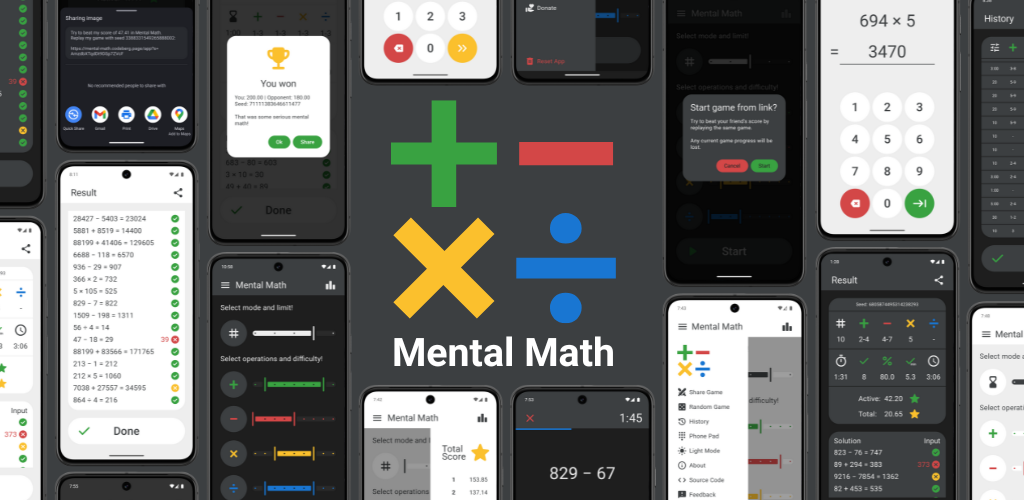
"Mental Math" is a simple and clean Android app for mental arithmetic training. You can practice on your own or challenge friends to compete and improve your skills. The app is open source and respects your privacy.



Features
Customizable Training
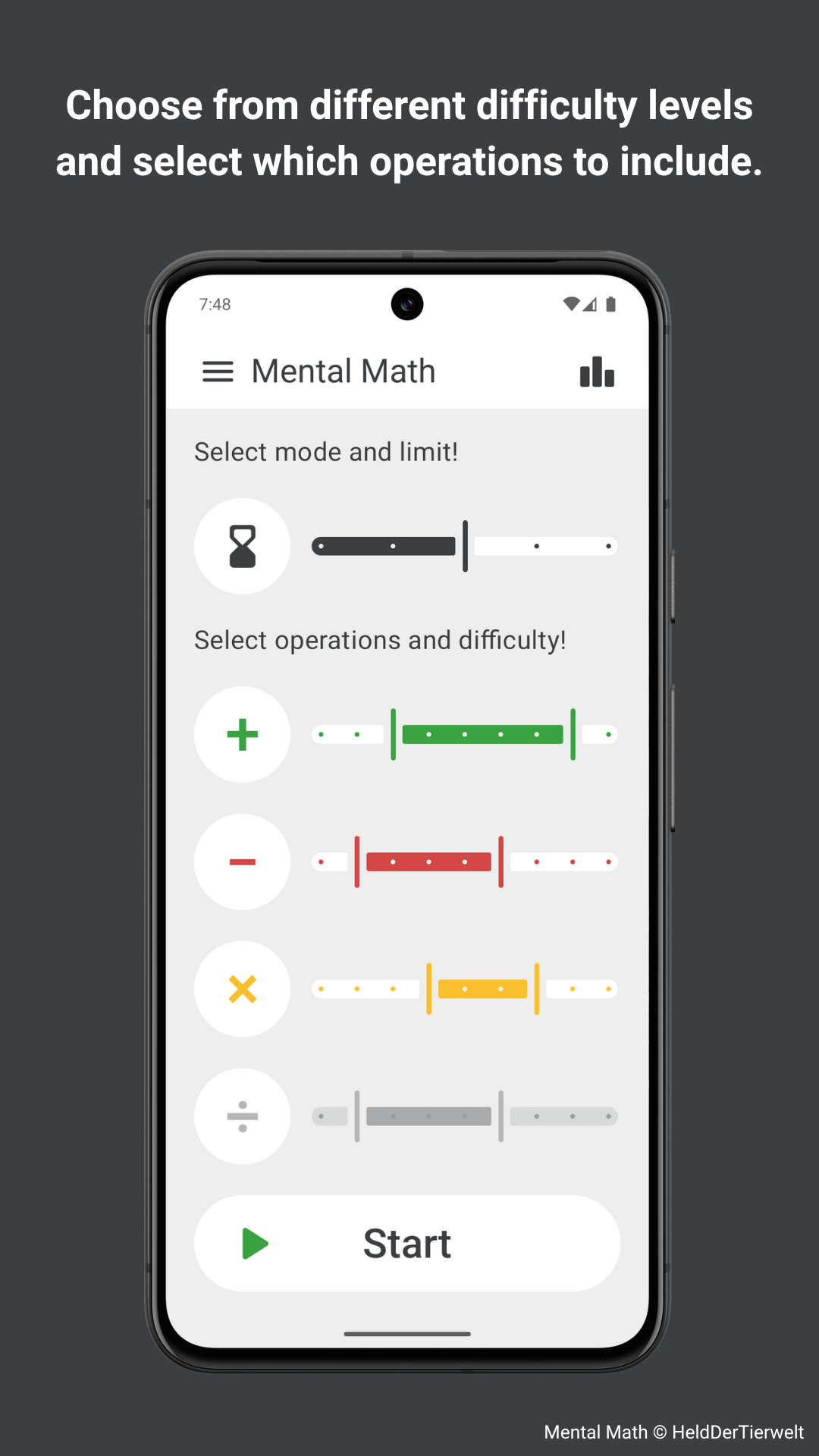
Select which arithmetic operations to include (+, −, ×, ÷). For each operation, choose from nine difficulty levels to customize your training precisely to your skill level.
Five Game Modes
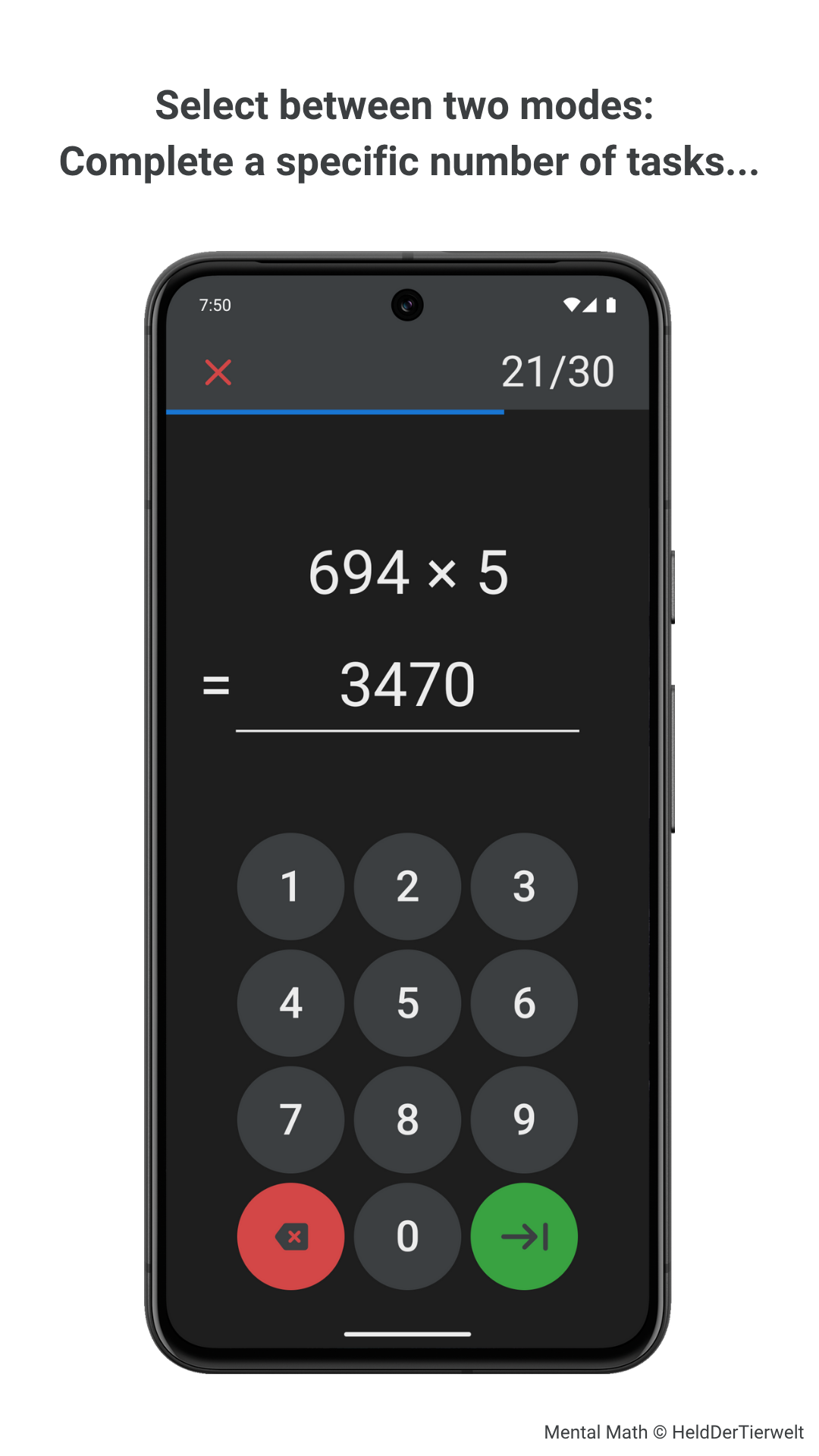
• Sprint Mode lets you complete a fixed number of problems (10, 20, 30, 40, or 50) as fast as possible.
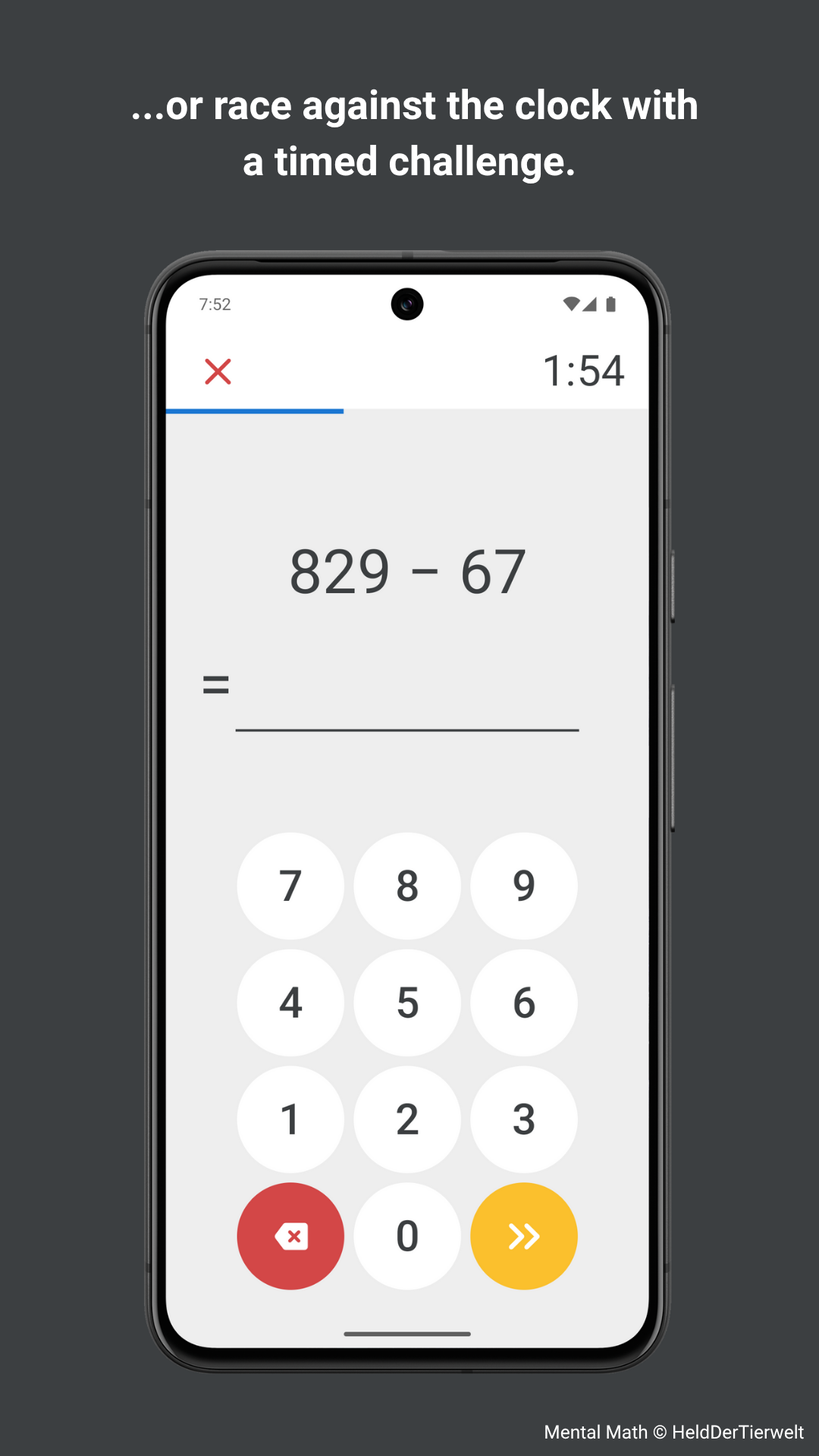
• Timed Mode challenges you to solve as many problems as possible within a time limit (1, 2, 3, 4, or 5 minutes).
• Survival Mode challenges you to survive 100 problems with 3 lives and a decreasing time limit for each problem.
• Memory Mode shows each number only briefly (0.5s to 2.5s per digit), so you have to keep the rest in your head.
• Training Mode lets you train as long as you want with a fixed number of retries per problem (0, 1, 2, 3, or ∞).
Challenge your Friends
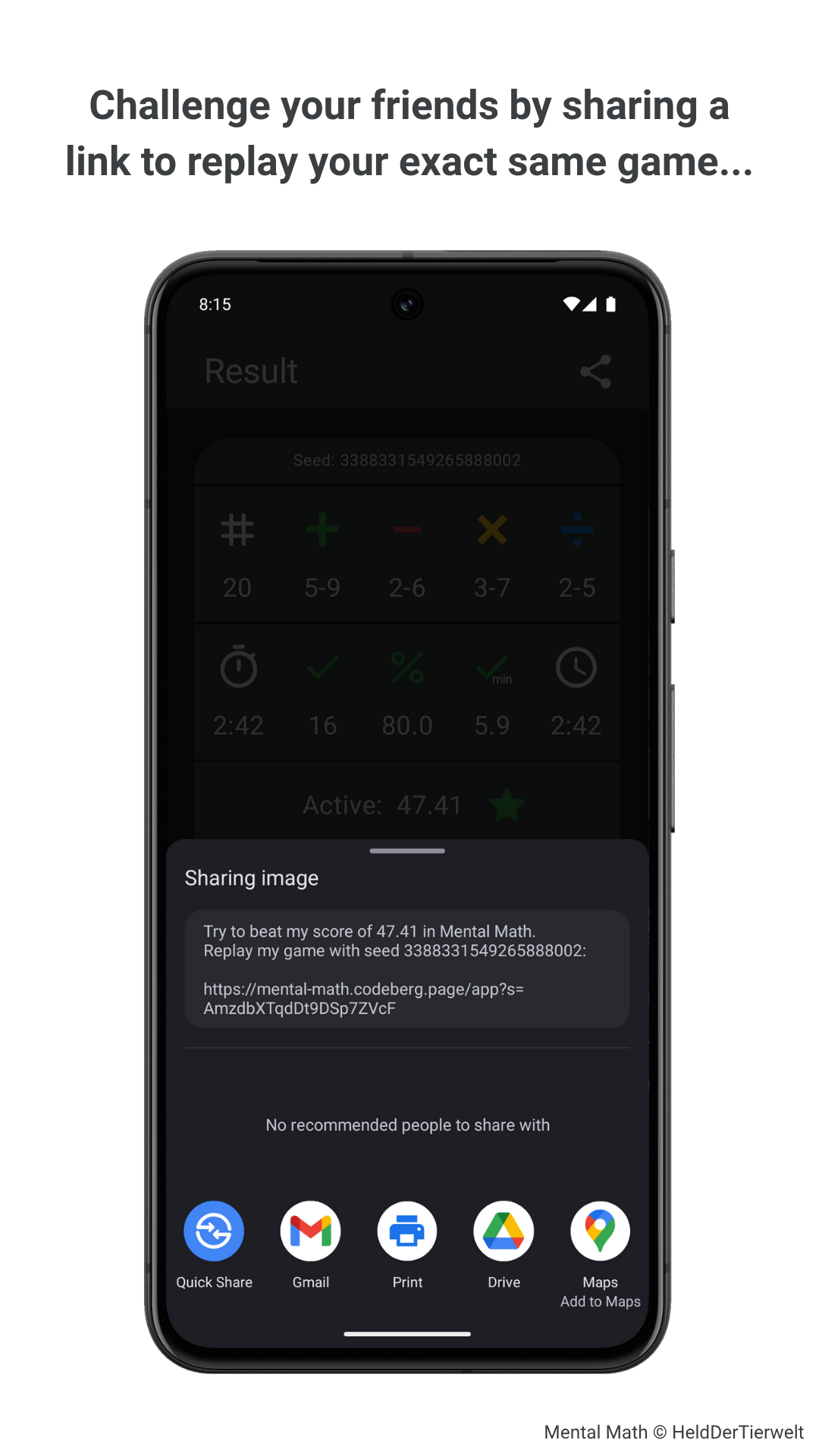
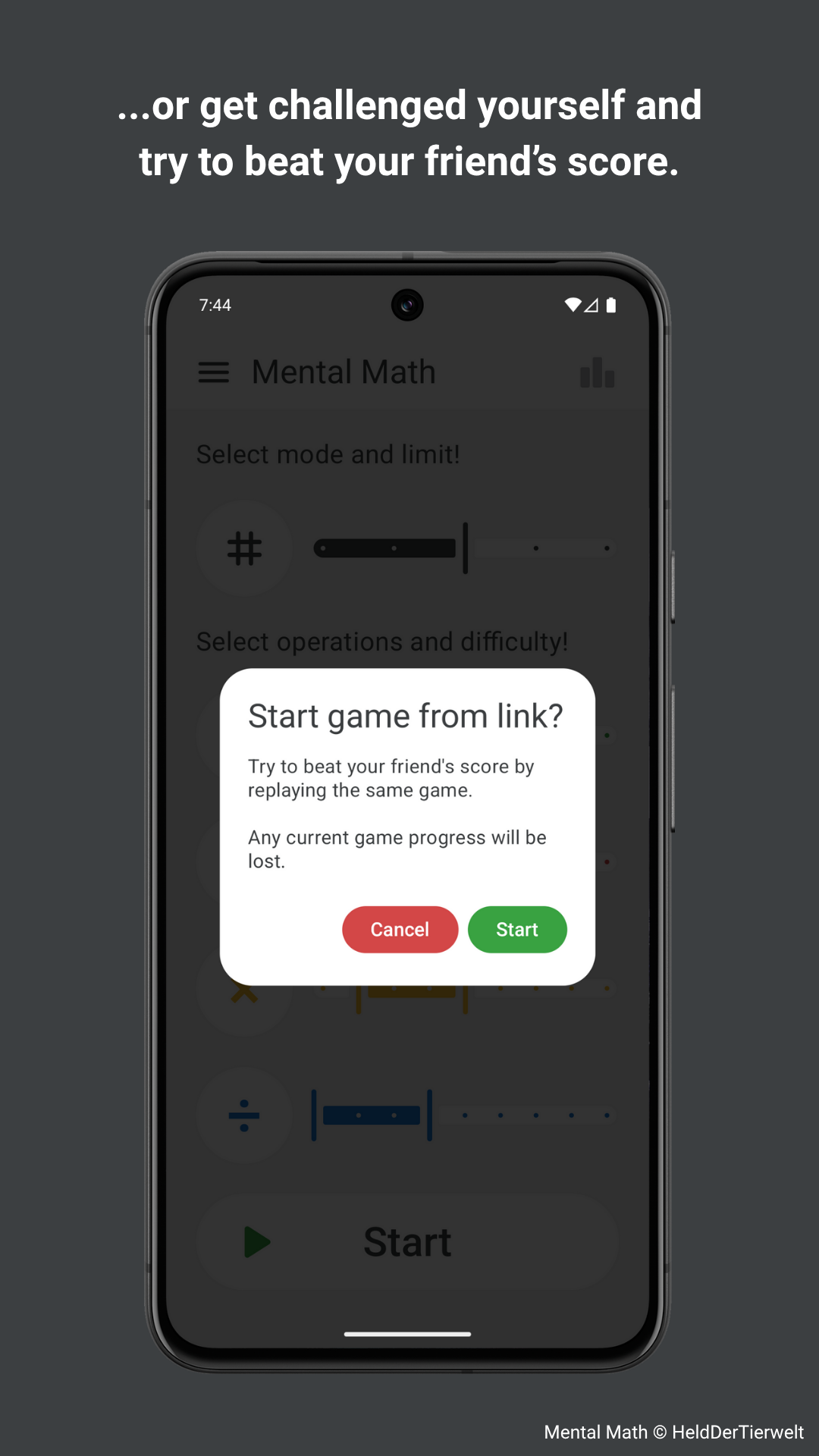
You can share a game link to:
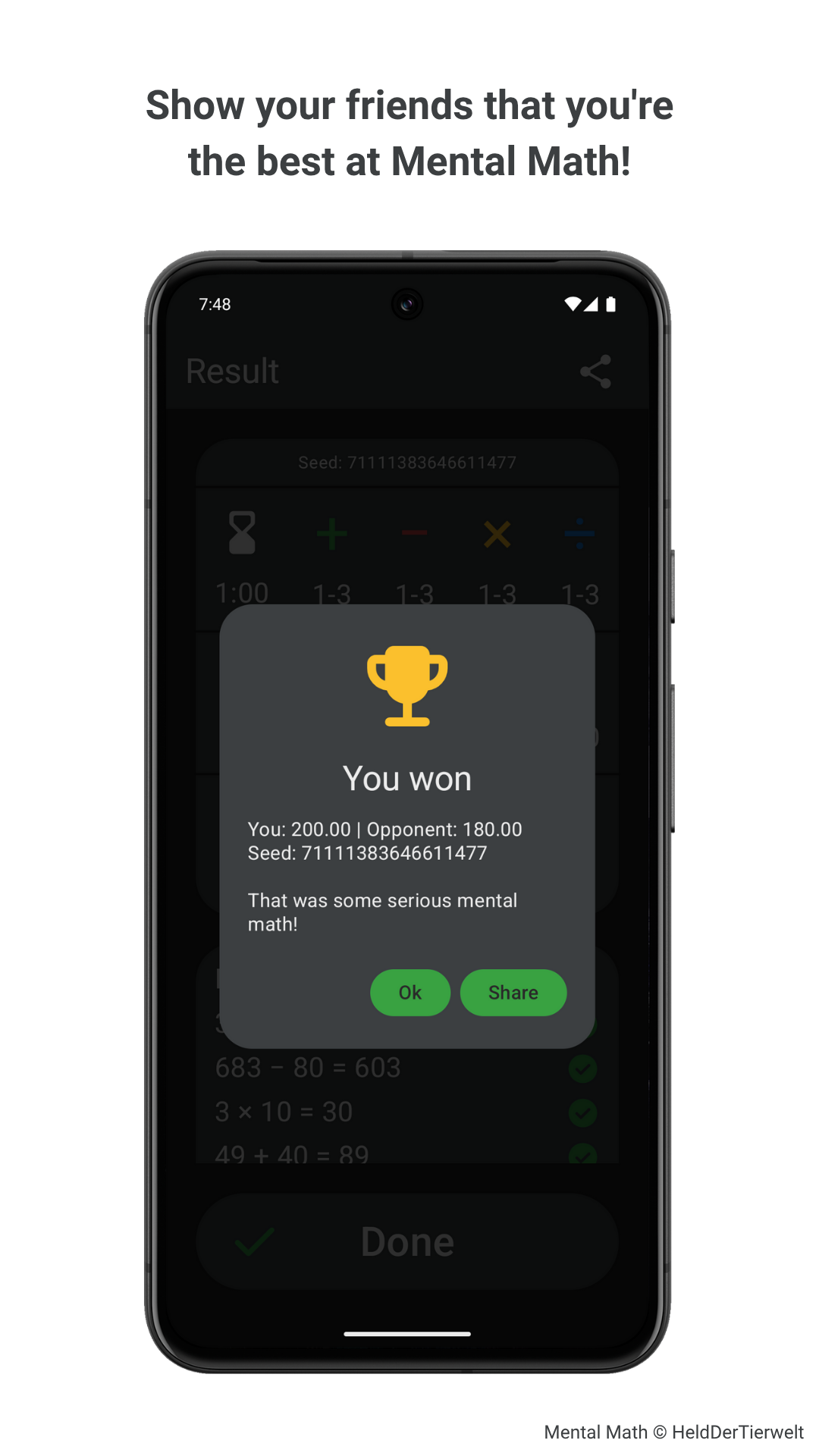
1. Replay a completed game with the exact same problems to compare scores with friends.
2. Start a new game with preset settings for a fair and fresh challenge for everyone.
Difficulty Calculation
Problem difficulty is determined using algorithms based on column addition, column subtraction, long multiplication, and long division, creating realistic and well-balanced exercises.
Detailed Results
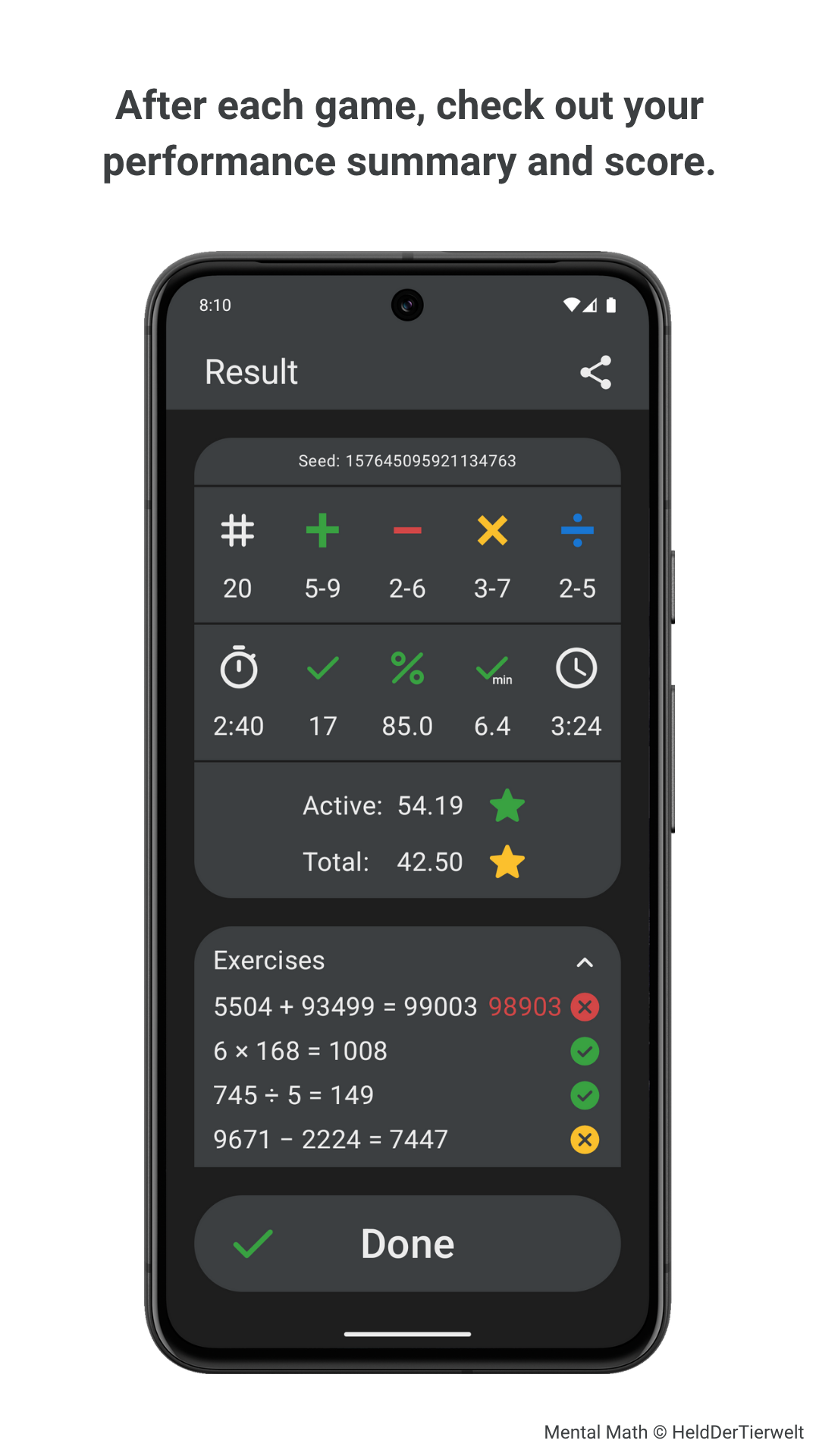
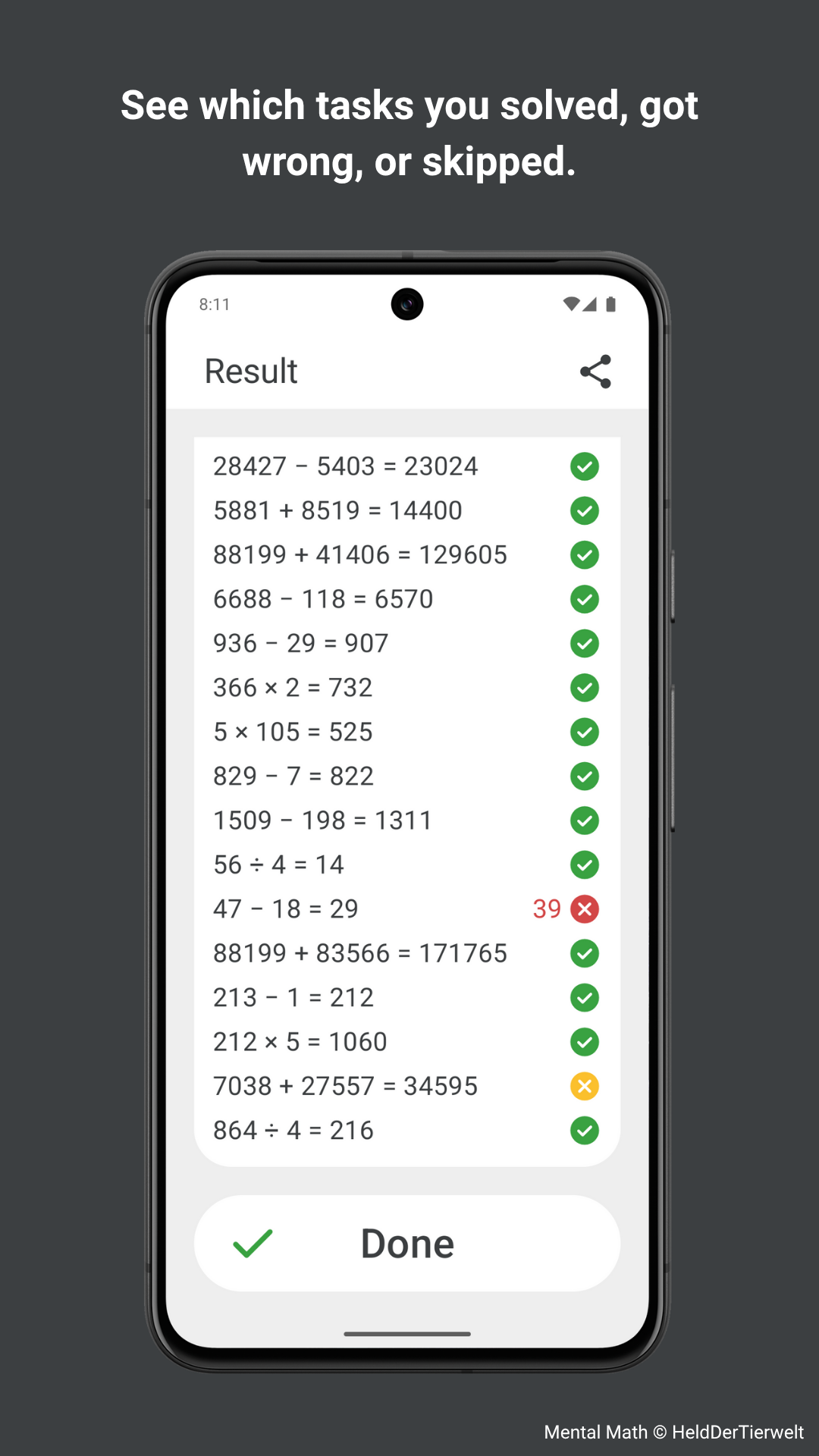
After each game, view a detailed summary that includes your selected settings, your performance (accuracy, speed, and score), and a complete list of all your problems and answers for review.
Personal Leaderboard
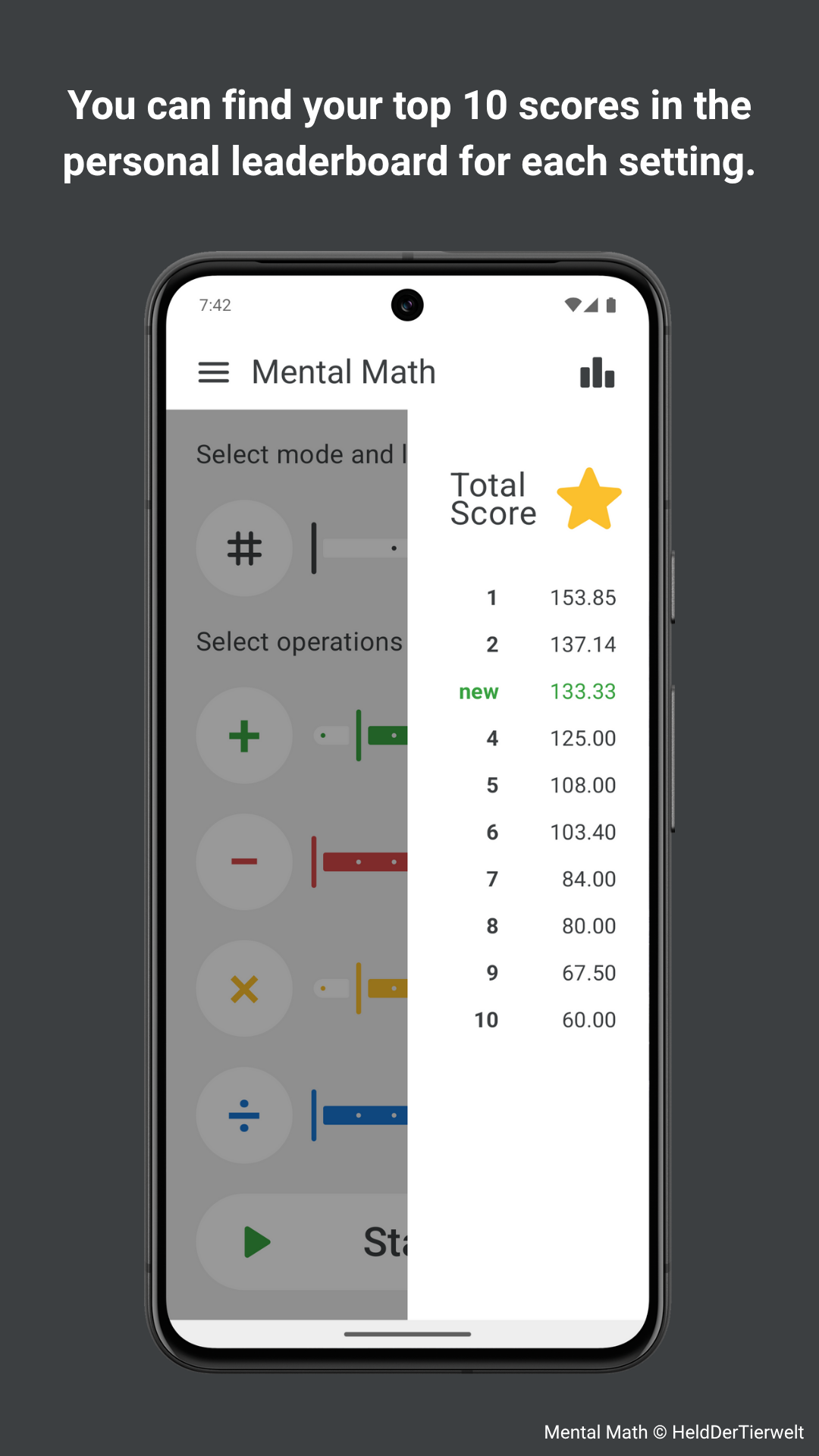
Your top 10 results are displayed separately for each combination of settings, allowing you to easily track your progress. You can also review detailed summaries of your top games at any time.
Game History
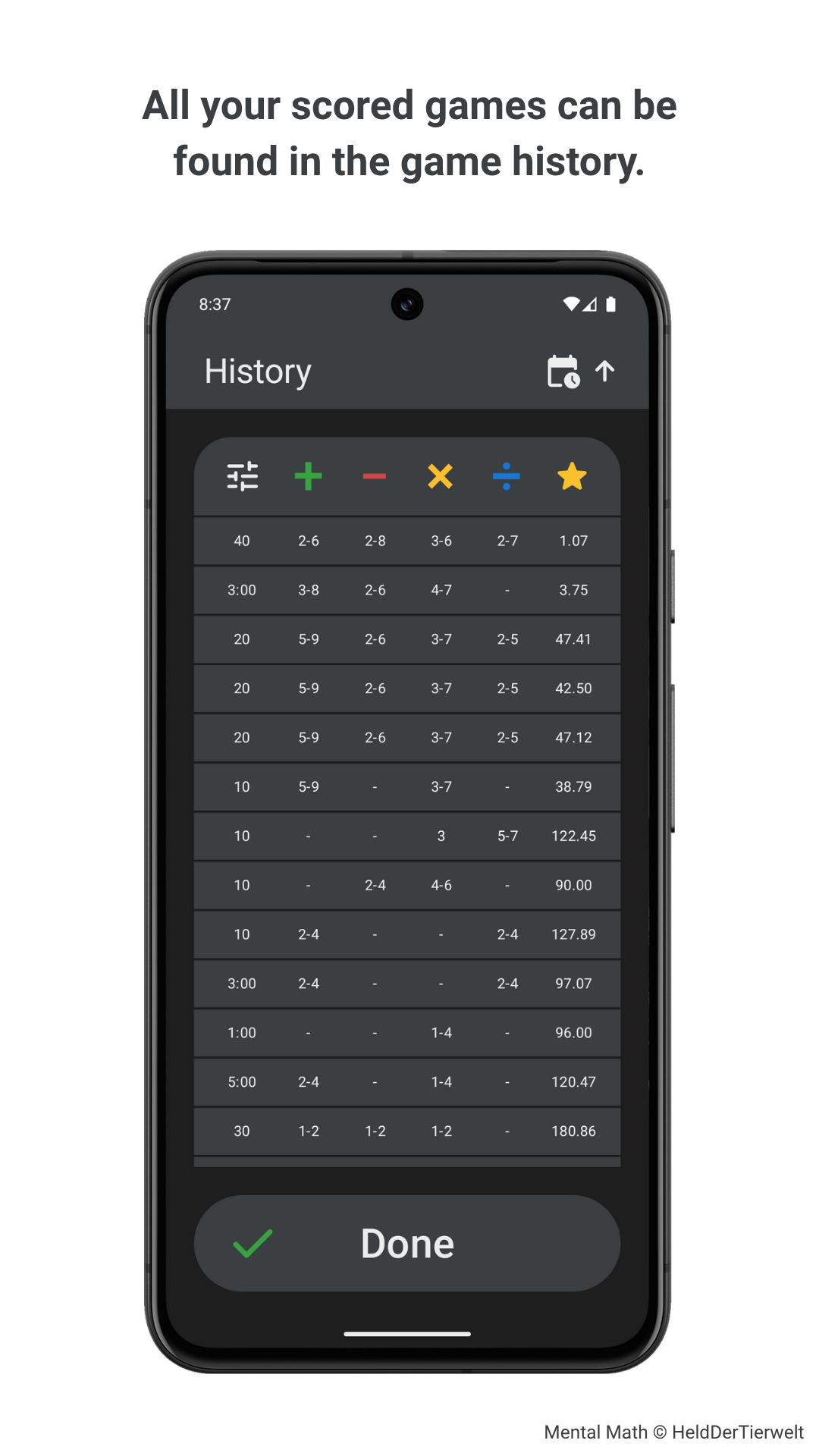
Explore the complete history of all your scored games. You can sort the list by time or settings and filter it by mode and operations. Tap any game to view its results again in full detail.
Practice Reminders
Set up periodic reminders to support regular mental math practice. Notifications are sent in the evening (around 6 p.m.) and can be scheduled daily, every three days, or weekly.
Customizable Interface
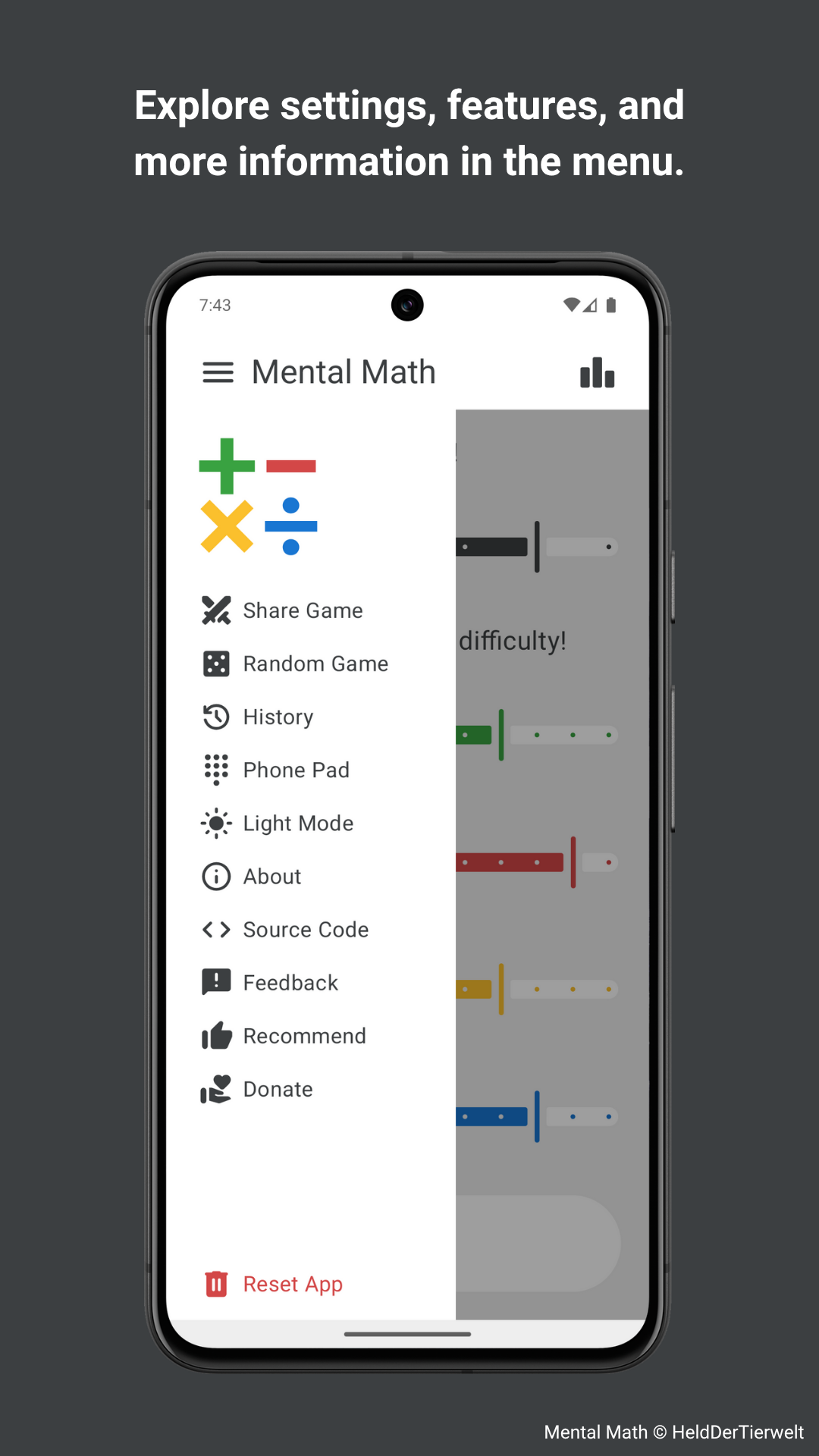
Display math problems horizontally or vertically. Set the input direction to left-to-right or right-to-left. Choose your preferred keypad style, either numeric or phone-style.
Sound & Vibration
Choose sound and vibration for clearer, more immediate responses during games. Both options can be enabled or disabled independently. Vibration may depend on your device or system settings.
Keyboard Support
You can control the app entirely with a hardware keyboard for quick and easy navigation and input. The controls are designed for the numpad, but every action also works without one.
Clean Design
A simple and minimalist app design with no unnecessary elements or distractions, designed to keep your focus fully on mental math training. Supports both light and dark modes.
Open Source, Private, Free & Ad-free
"Mental Math" is fully open source, free to use, and does not contain any ads. It also does not collect, store, or process any personal data, nor does it use trackers or third-party services.
Screenshots

Keyboard Controls
There are two key layouts, one for the numpad and one for keyboards without it, which can be mixed freely. The game screen has its own controls, because the digit keys are needed for your answers there.
Navigation
| Action | Numpad | Alternative |
|---|---|---|
| Move cursor | 8 / 2 / 4 / 6 | WASD |
| Activate selected element | 5 | Space |
| Left button in the top bar | 7 | Q |
| Right button in the top bar | 9 | E |
| Start, Done, Confirm | Enter | Enter |
| Back, Close, Cancel | Esc | Esc |
| Toggle an operation | + − * / | + − * / |
Game Screen
| Action | Numpad | Alternative |
|---|---|---|
| Enter a digit | 0–9 | 0–9 (number row) |
| Delete a digit | − | Backspace, Delete |
| Submit, Skip, Continue | Enter | Enter |
| Switch input direction | / | Space |
| Switch problem layout | * | Tab |
| Quit / Finish Game | Esc | Esc |
• The cursor appears with the first navigation key and disappears on touch. Holding a key keeps it moving, and at the end it continues from the other end.
• On a difficulty slider, 4 / A moves the left handle to the left and 6 / D the right handle to the right. Past its end, a handle jumps to the other one, so every range can be set. 5 / Space toggles the operation.
• In the history, 7 / Q switches the mode filter on the far left instead, since there is no left button in the top bar.
Certificate Verification
To verify the APK’s authenticity, compare the SHA-256 fingerprint of its signing certificate with the values below. A matching fingerprint confirms that the APK was signed with an official developer key.
- FOSS Release
DE:19:7B:4C:F2:B8:58:80:E0:21:11:59:B6:0B:6E:3C:39:F9:6F:F0:68:68:AE:48:39:C4:2D:8A:4D:6F:3F:E5 - Google Play Store Release
4D:C3:38:FD:7C:2D:9D:CB:8C:9F:B1:76:AB:90:D3:D3:E0:B1:97:AB:D5:21:EC:05:E5:BD:BB:D7:60:B8:21:AE
Privacy Policy
Your privacy is important. Here are the key facts:
- "Mental Math" does not collect, store, or process any personal data and does not use trackers, ads, or third-party services.
- Android may require a brief internet connection once to verify the domain used for the app’s game links. Apart from that, no internet connection is required.
- By default, no permissions are required. Enabling vibration feedback requires permission to vibrate. Enabling reminders requires notification permission and uses system features to ensure reminders survive device restarts and trigger reliably.
Contributing
Contributions are welcome. There are several ways to support "Mental Math":

- Help translate the app on Weblate or follow the instructions in
strings.xmlto contribute manually. - If you find a bug, have an idea for a new feature, or want to suggest an improvement, please open an issue.
- General feedback of any kind is appreciated and can be sent via email (see "Contact" section below).
- A positive review on Google Play is a simple but effective way to support the project.
Donation
If you enjoy this app, you can support me via Ko-fi. It means a lot to me ❤️.
Contact
Feel free to contact me for questions, feedback, issues or any other reason:
Alexander Goy
aka HeldDerTierwelt
mental_math_app@pm.me
License Information
Mental Math © 2025-2026 HeldDerTierwelt
This project is licensed under the GNU General Public License Version 3 (GPLv3).
